
SERP proxy rank tracking
A SERP proxy routes rank-tracking requests through IPs matching a target country or city, so results reflect what a real local user sees. Geo accuracy and rotation cut mismatched positions and block spikes. Teams tracking a few hundred keywords usually start with a small residential pool, much like most Rank Tracker proxies setups.
Why rank tracking needs proxies
Search engines personalize results by country, city, language and device, so a check from the wrong location typically produces numbers nobody can use. 💡 A single desktop IP can also hit rate limits after a burst of queries, corrupting a run midway. A SERP proxy with the right geo profile keeps requests looking like ordinary local traffic. Legitimate rank tracking means collecting public pages lawfully, respecting each site's terms of service and robots.txt, within US law.
Which proxy type fits which SERP workload
Not every workload really calls for the exact same kind of proxy pool, and matching type to task keeps spend far more predictable rather than wasted on retries. A rotating residential SEO proxy works well for scraping Google search results across many keywords, since the IPs look like real home connections and support country targeting. Datacenter IPs are cheaper but get flagged fast on Google, better suited to lower-sensitivity engines. Mobile costs more per GB but holds up best for mobile rankings; ISP sits in between with static, residential-style sessions. Explore residential and ISP options sized for rank tracking.
| Proxy type | Geo accuracy | Cost model | Best for |
|---|---|---|---|
| Rotating residential | High | Per GB | Broad keyword sets |
| ISP static residential | High, stable | Per IP/day | Long-running local tracking |
| Datacenter | Low on Google | Per IP/month | Bing, Yandex checks |
| Mobile 4G/5G | Highest trust | Per GB, premium | Mobile rankings |
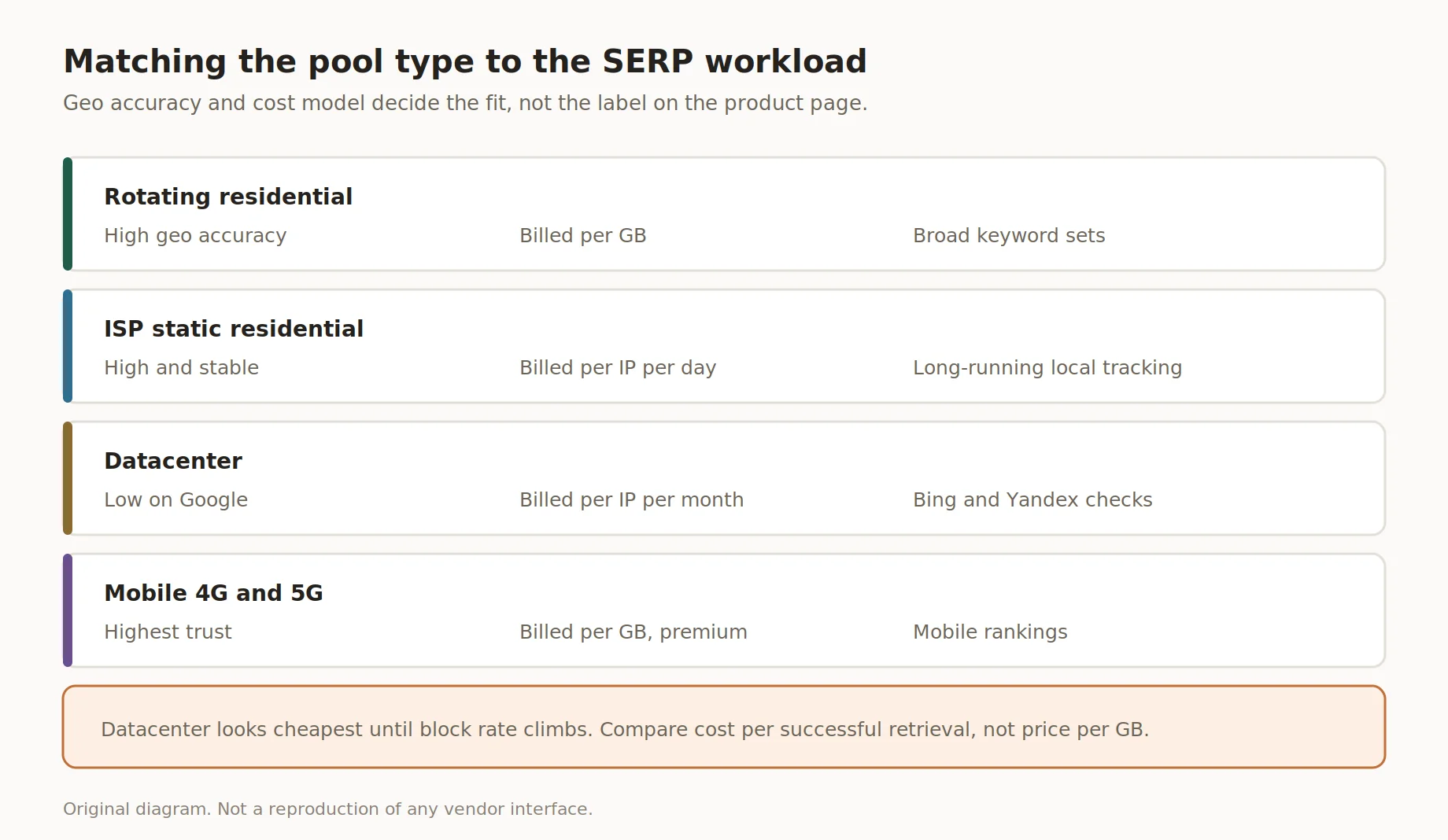
Matching the pool type to the SERP workload
Weighing the SEO proxy type against real traffic avoids costs inflated by retries, and datacenter pricing only looks cheap right up until block rate climbs on the Google side of things over time. Reviewing this choice once a quarter keeps spend aligned with whatever workload has grown or shrunk since the pool was first sized and configured for the account.
Geo-targeting and how to verify it
Getting geography right is where most rank-tracking setups quietly fall apart, long before rotation or pacing ever become the issue. Accurate geo targeting separates a genuinely useful SERP proxy setup from just any random IP picked at random. Country targeting covers national rankings, region targeting fits keywords that vary within a country, and city-level IPs are standard for local SEO tracking. Mobile SERP checks need a mobile pool plus a mobile user agent, since Google can serve a different phone layout. Dashboards aren't reliable proof of location, so geo needs an independent IP lookup first.
| Targeting level | When you need it | How to verify |
|---|---|---|
| Country | National checks | Independent IP lookup |
| Region | Regional variance | Independent IP lookup |
| City | Local pack results | Lookup plus manual spot-check |
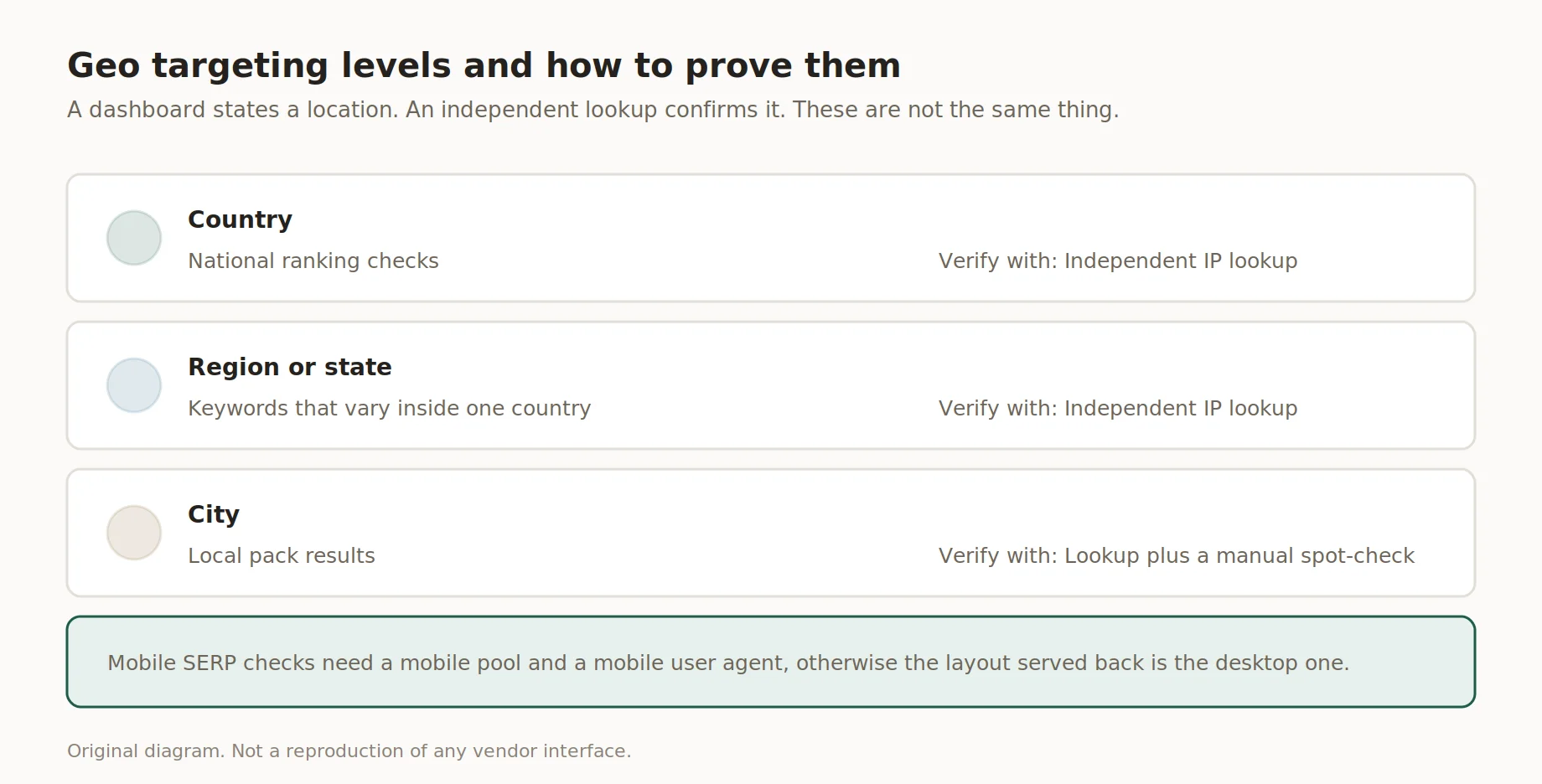
Geo targeting levels and how to prove them
A city claimed by a dashboard and one confirmed by a lookup tool aren't the same place.
Rotation strategy and request pacing
Rotation controls how often the IP behind each request changes; pacing controls how fast requests go out. 💡 For most SERP proxy setups, rotating on every request stops one IP racking up a suspicious streak. Randomized delays, not a fixed interval, spread load naturally and keep captcha rate lower over time. There's no universal safe request rate, it depends on the target, pool size and geo mix. Start conservative, watch captcha rate, then adjust pacing on what the data shows.
How to size your proxy pool
Pool sizing starts with one number nobody should guess: bandwidth per request in your own pipeline. 💡 A SERP proxy pool that's too small forces IP reuse and drives up blocks; an oversized pool wastes budget. Measuring this once beats copying an industry average. Try a free demo before committing to a full pool.
- Step 1: Run a test batch and measure KB per successful request.
- Step 2: Multiply by keywords checked per day.
- Step 3: Add 20-30% overhead for retries.
- Step 4: Multiply by 30 for a monthly estimate.
Our test, August 2026: roughly 90 KB per successful page. At 500 keywords checked daily, that's close to 1.3 GB a month before overhead, a useful baseline for proxy pool sizing.
Cost per successful SERP, not price per GB
Price per GB looks simple until retries and captchas eat into the successful count, which is why cost per successful SERP proxy request matters more for budgeting. Formula: total spend divided by successful retrievals in the billing period. A cheap plan with a high captcha rate can cost more per usable result than a pricier plan with a stronger success rate. Tracking this monthly shows whether a change actually helped.
"Total spend divided by successful retrievals is more honest than price per gigabyte, since it accounts for what gets lost to retries.", Insocks infrastructure team
How to set up and validate a SERP pipeline
A working pipeline for Google SERP scraping has six parts whether it tracks 50 keywords or 50,000: schedule, geo profile, proxy pool, parser, storage and validation. Skipping validation is the common mistake: a pipeline can run cleanly yet still return wrong positions after an upstream DOM change. Data validation means comparing automated results against a manual, clean-browser check. Teams running this at real volume usually catch more issues here than in the proxy layer.
- Step 1: Build a schedule spreading checks across the day.
- Step 2: Assign a geo profile per keyword group.
- Step 3: Route requests through the pool with matching rotation.
- Step 4: Parse and store positions plus raw HTML.
- Step 5: Validate a sample and log captcha and success rates.
Run at least 200 requests per geo configuration before trusting the block rate on any Google SERP scraping run, and track latency as p50 and p95, not a single flat average across the whole batch of results.
Pre-flight checklist before a scheduled run
The list below takes only a few short minutes to run through and fits any pool size, and none of it needs special tooling, just a consistent habit before each scheduled run goes out the door on time. A quick pre-flight check catches most failures before they show up as bad data downstream. Teams newer to proxies for SEO work often skip this step and end up debugging mid-run instead of before it.
- ✅ Log the outgoing IP for every request
- ✅ Confirm geo profile with an independent lookup
- ✅ Fail fast if resolved geo doesn't match profile
- ✅ Re-check the parser after any layout change
- ✅ Confirm rotation is active, not stuck on one session
- ✅ Set alerts for captcha rate and block rate
- ✅ Verify storage can hold the raw HTML
- ✅ Run a manual spot-check before the batch
Common issues and fixes
Most failures trace back to process, not the pool, and the same symptoms repeat across most Google SERP scraping setups. Catching them early saves time later.
- Rankings don't match the client's screen: geo mismatch
- Captcha rate spikes suddenly: pacing too aggressive
- Costs creep up over weeks: retry overhead from a stale parser
- Repeated failures on one city: pool needs more depth
How proxy setup affects SERP data quality
Disclosure: Insocks is our service, and this section covers how configuration choices affect data accuracy from an SEO proxy setup. Geo precision determines whether local pack results reflect the assigned city or drift toward a broader region. Session type affects consistency: sticky sessions hold a stable identity, fresh rotation avoids streak-based blocks. None of this replaces validation, it just changes how much is needed afterward. A free demo lets you run the checks above before committing budget.
| Feature | What it means in practice |
|---|---|
| City-level IPs | ✅ documented for major US metros |
| Sticky sessions | ✅ documented, useful for local checks |
| Independent geo verification | 💡 recommended before every run |
| Guaranteed captcha rate | Not published by any provider in this comparison |
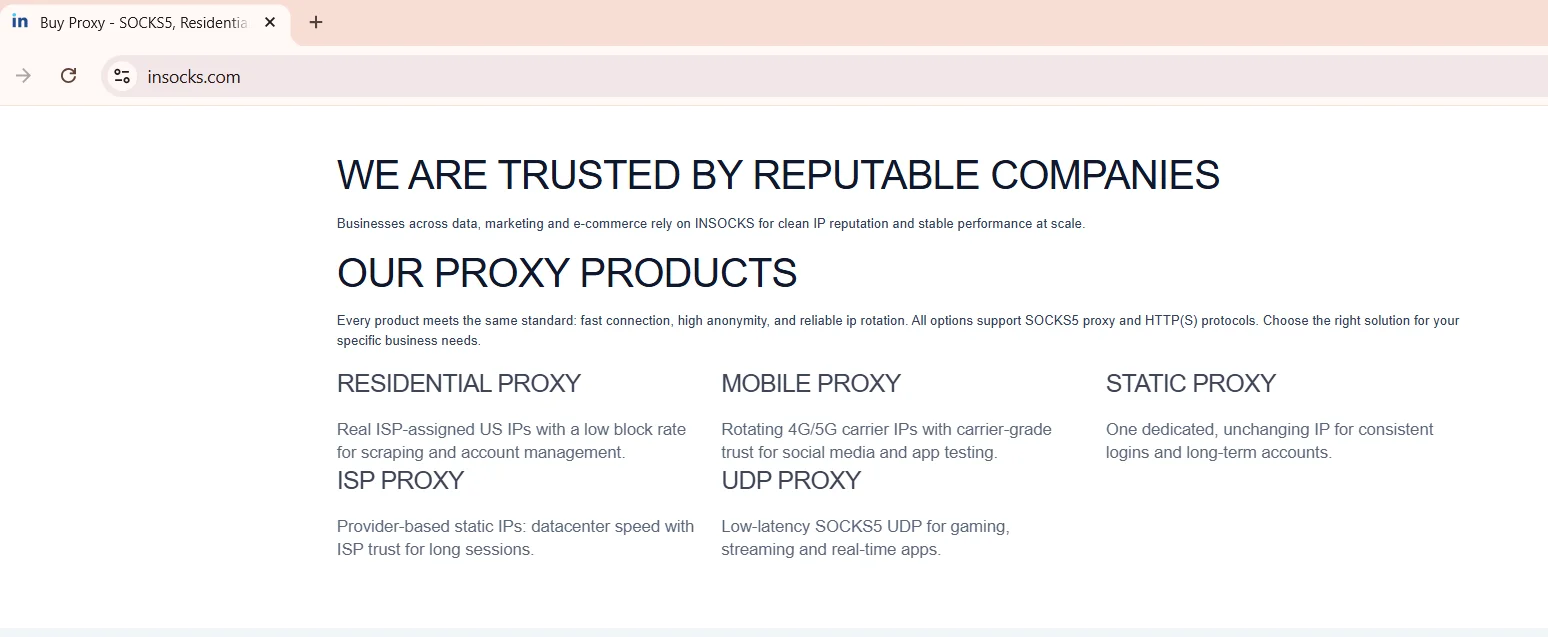
Source: Our proxy products, insocks.com, screenshot taken August 2026
Key takeaways
Rank tracking accuracy comes down to a few decisions repeated consistently, most tied to how the SERP proxy layer is configured, monitored and revisited as keyword lists grow.
- Match geo precision to the keyword: country or city
- Measure bandwidth per request before sizing a pool
- Track cost per successful retrieval, not price per gigabyte
- Validate against manual checks after every parser change
- Keep pacing conservative, adjust on captcha rate
Disclosure and data sources
This article is written and published by Insocks. Insocks sells proxies for SEO teams and has a commercial interest in the sections above that reference its own product. Figures shown as our test are measurements run with the stated method and date, not market averages, and results vary by pipeline and by target site. Teams comparing vendors should run their own bandwidth and success-rate tests, not rely on any single provider's numbers. All trademarks belong to their respective owners.
Ready to put a proxies for SEO workflow into production? Try the demo or register for full access.
Frequently asked questions
Quick answers to the questions teams ask most before building a pipeline.
Why do I need a proxy for rank tracking?
Search engines personalize results by location, so the wrong IP returns rankings nobody there actually sees.
Which proxy type gives the most accurate local rankings?
City-level residential IPs, confirmed with an independent geolocation lookup first.
How do I measure bandwidth per SERP request in my own pipeline?
Run a small test batch, log response size per page, and average it.
How do I size a proxy pool for a given number of keywords?
Multiply bandwidth per request by daily checks, add retry overhead, then scale to a month.
How do I verify that my SERP data is accurate?
Compare a sample against manual checks and track captcha and block rates over time.
Can I track mobile rankings with the same setup?
Only with a mobile-specific pool and mobile user agent, since layout and order can differ from desktop.